Most teams understand the idea of risk. Fewer understand where it actually lives.
That’s the gap.
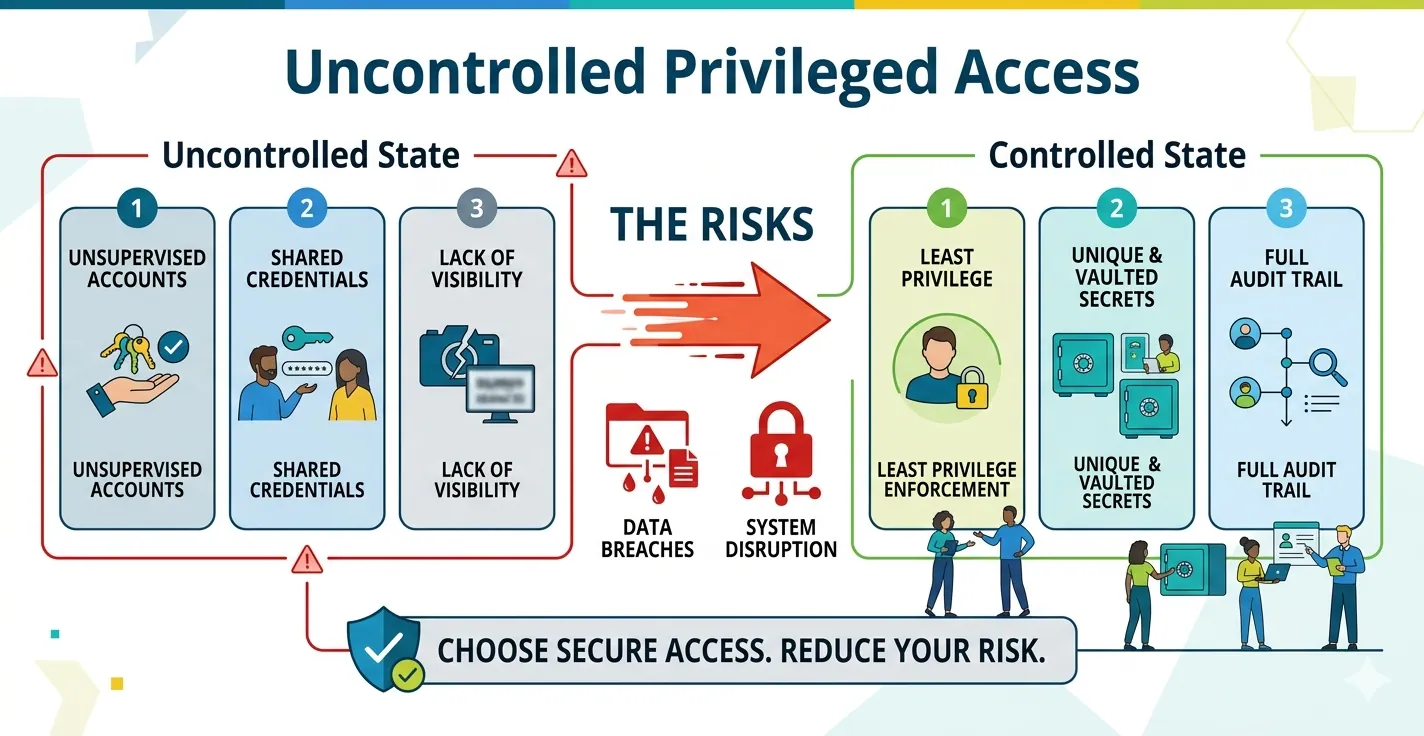
After working through uncontrolled access as a concept, the next step is simple. You need to look at your environment and ask a harder question: Where does privileged access risk actually exist right now?
🔐Uncontrolled Privileged Access: The Hidden Risk in Enterprise Security
Most organizations don’t get breached because of a sophisticated attack. They get breached because someone had access they shouldn’t have had in the first place.
Because it’s not sitting in one place. It’s spread across systems that teams depend on every day.
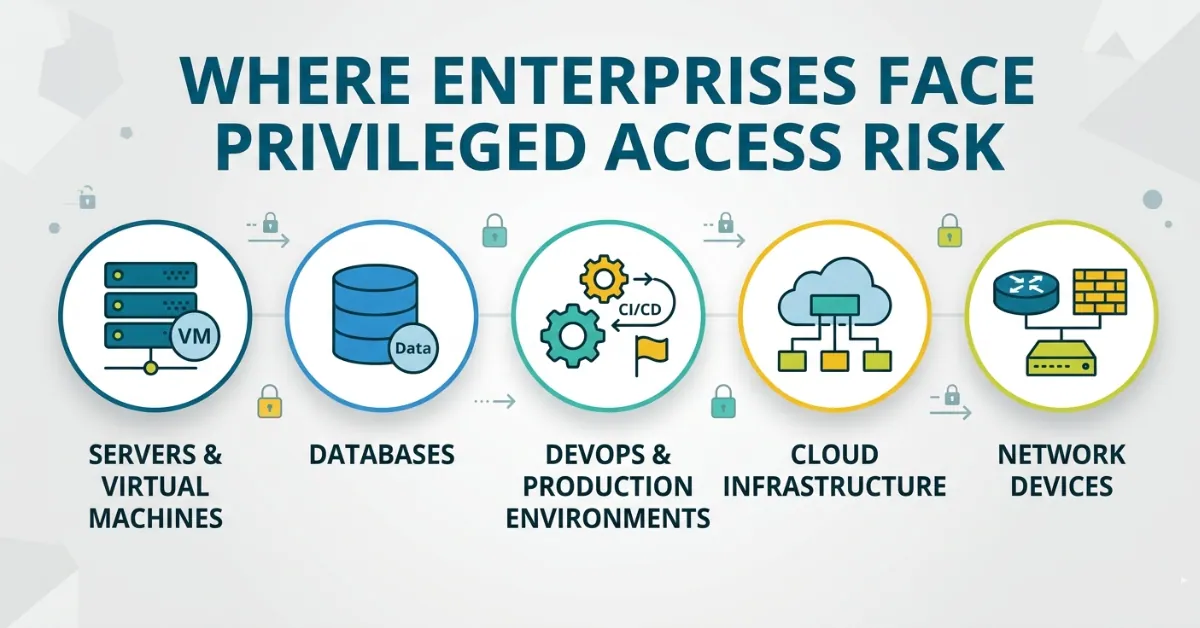
Servers. Databases. DevOps pipelines. Cloud platforms. Network devices.
Each one carries its own version of exposure. And most of it stays invisible until something breaks.
Why Privileged Access Risk Hides in Plain Sight
Privileged access doesn’t feel risky when it’s part of normal operations.
Admin access gets created to solve a problem. It stays because removing it feels risky.
Over time, access becomes part of the workflow. Nobody questions it anymore.
That’s how privileged access risk builds quietly.
You don’t see it in dashboards. You don’t see it in uptime reports.
You see it when:
- an audit fails
- an account gets misused
- or a breach investigation starts
By then, the exposure has been there for months.
Servers & Virtual Machines: The Classic Attack Surface
Servers are still the most familiar place where privileged access risk shows up.
They run critical workloads. They host applications. They connect everything else together.
Which makes them valuable.
Most environments rely on admin access for:
- system updates
- troubleshooting
- configuration changes
That access often becomes permanent.
I’ve seen teams where multiple engineers share server access credentials. It works operationally. But it removes accountability completely.
Once access is shared, you lose traceability. You can’t tell who changed what.
Dormant privileged accounts add another layer. Old projects leave behind access that nobody cleans up. Those accounts become easy entry points.
From an attacker’s perspective, servers are a starting point. Once inside, privilege escalation becomes easier.
The fix isn’t complicated. It requires discipline.
Limit admin access. Move toward just-in-time server access. Monitor sessions actively. Run regular access reviews.
Most teams know this. The challenge is doing it consistently.
Databases: The Crown Jewels Behind the Curtain
If servers are the entry point, databases are the destination.
They hold sensitive data. Customer records. Financial information. Internal insights.
Which makes database access one of the highest-value targets.
The problem is how access gets handled.
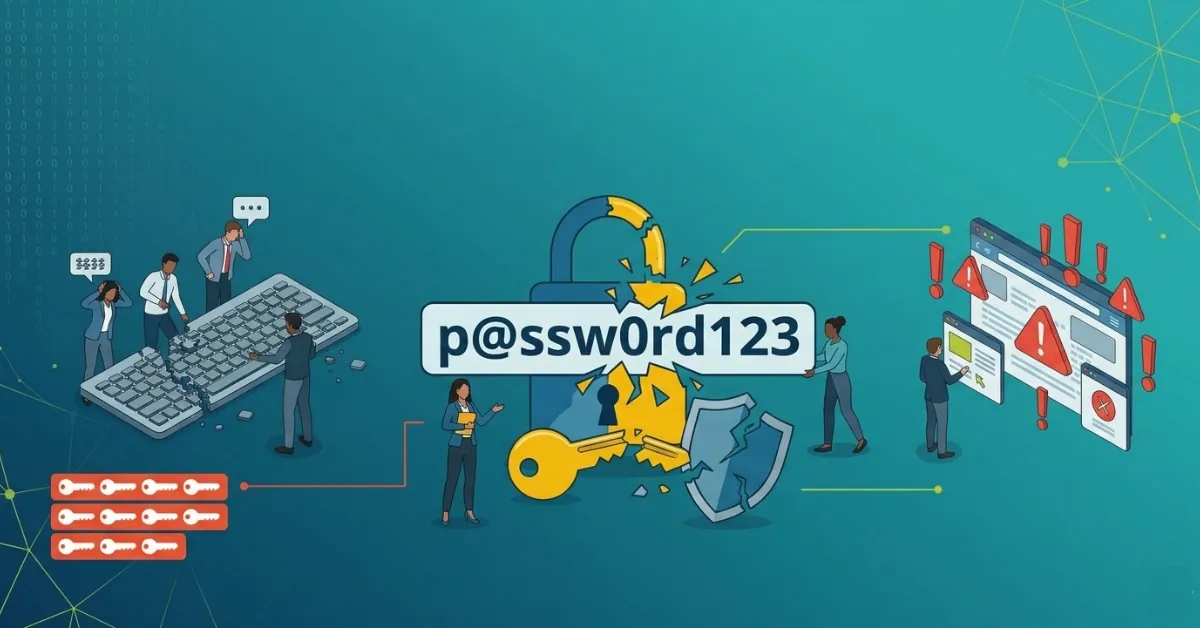
Developers often get direct database access for speed. Analysts get read access that quietly expands over time. Admin credentials get shared during incidents and never rotated properly.
Over time, permissions grow beyond what anyone originally intended.
Once someone has privileged database access, the impact is immediate.
Data can be copied. Modified. Deleted.
And if there’s no strong audit trail, you won’t know until it’s too late.
This is where least privilege matters most.
Access should be tightly scoped. Temporary where possible. Monitored always.
Most teams don’t need broad database access. They need controlled, purpose-driven access.
That’s the shift.
DevOps & Production Environments: Speed vs Security
DevOps environments introduce a different kind of risk.
Everything moves fast. Changes happen daily. Automation handles most of the work.
Which creates pressure to prioritize speed.
Access gets expanded to avoid delays. Service accounts get elevated permissions to keep pipelines running. Production access gets shared during incidents.
None of this feels optional when uptime is on the line.
But it creates one of the most overlooked forms of privileged access risk.
Non-human identities become critical here. CI/CD pipelines, automation scripts, and integrations all rely on privileged credentials.
Most of them don’t go through the same review processes as human users.
That’s where exposure builds.
If a service account gets compromised, attackers don’t need to escalate privileges. They already have them.
Reducing risk here means treating non-human identities like first-class users.
Apply least privilege. Rotate credentials. Monitor activity. Limit production access strictly.
You don’t need to slow down DevOps. You need to control how access works within it.
Cloud Infrastructure: Permission Sprawl Meets Agility
Cloud platforms make access easier to create and harder to control.
Permissions are flexible. Roles can be assigned quickly. Resources scale instantly.
That’s the advantage.
It’s also the risk.
Over time, cloud environments accumulate excessive privileges.
Users get broad roles to avoid blockers. Temporary permissions stay active. Access policies overlap.
A recent report from Palo Alto Networks found that over 80% of cloud identities have excessive permissions.
That’s not a technical failure. It’s an operational pattern.
The more flexible the system, the easier it is to over-provision access.
Cloud access risk doesn’t come from complexity alone. It comes from convenience.
Reducing it requires visibility.
You need to know:
- who has access
- what they can do
- and whether it’s still needed
Without that, access governance becomes guesswork.
Network Devices: Old-School, High-Impact Risk
Network devices don’t get the same attention as cloud or DevOps systems.
But they carry significant risk.
Routers, firewalls, and switches control traffic across the environment. Access to them can change how systems communicate.
Most organizations still rely on static admin access for these systems.
Credentials are shared across teams. Access rarely gets reviewed. Monitoring is minimal.
That creates a blind spot.
If someone gains access to network devices, they can:
- redirect traffic
- bypass controls
- disrupt operations
And because these systems often sit outside modern monitoring tools, detection is slower.
The controls here are straightforward.
Restrict admin access. Rotate credentials regularly. Add session monitoring where possible.
It’s not a new problem. But it’s still a critical one.
Why Teams Miss These Gaps Until Something Breaks
The pattern is consistent.
Teams focus on uptime, delivery, and performance. Access control becomes a secondary concern.
Until it isn’t.
Privileged access risk doesn’t show up in normal metrics. Systems run fine. Users get their work done.
There’s no immediate signal that something is wrong.
That’s why it gets ignored.
The gap only becomes visible when:
- an audit fails
- a breach occurs
- or access misuse surfaces
At that point, fixing it becomes reactive.
The goal should be to identify these gaps earlier.
That requires visibility, ownership, and regular review.
Enterprise Knowledge Assistant (ZenXEKA) Datasheet
This datasheet shows how Enterprise Knowledge Assistant (ZenXEKA) transforms how enterprises access, process, and act on knowledge while maintaining enterprise-grade security and governance.
- Knowledge fragmentation causes 40% of enterprise decision delays.
- ZenXEKA reduces operational friction while maintaining security and compliance.
- Designed for enterprises requiring governance, auditability, and control.
Turn Enterprise Knowledge Into Decision Velocity
How to Reduce Privileged Access Risk Across These Areas
The approach doesn’t need to be complicated. But it needs to be consistent.
Start with least privilege. Define access clearly. Remove anything that isn’t required.
Introduce just-in-time access where possible. This reduces permanent exposure.
Run regular access reviews. Not once a year, but as part of ongoing operations.
Monitor sessions, especially for high-risk systems. Knowing what users do with access matters.
Strengthen access governance. Ownership should be clear. Decisions should be tracked.
And finally, align all of this with modern privileged access management practices.
Tools help. But the model matters more.
FAQ
Which infrastructure areas carry the highest privileged access risk?
Servers, databases, cloud platforms, DevOps environments, and network devices all carry significant risk due to elevated access requirements.
Why is cloud access so risky?
Because permissions are easy to create and often over-provisioned, leading to excessive privileges.
How do privileges go wrong in DevOps?
Speed-driven environments often expand access to avoid delays, especially for service accounts and automation pipelines.
What should I check first in my environment?
Start with privileged accounts on servers and databases. Review who has access and whether it is still needed.
Why are shared admin accounts a problem?
They remove accountability and make it difficult to track actions during incidents or audits.
How often should access reviews happen?
High-risk access should be reviewed regularly, ideally monthly or quarterly.