Zero standing privilege (ZSP) means nobody holds administrative access until they have a reason to, and the access disappears when the reason does. It removes the single most useful thing an attacker can steal: an account that is always powerful.
Most organisations know this and still carry hundreds of permanent admin accounts, shared credentials and service accounts nobody has reviewed in years. The gap is not understanding. It is a rollout plan that does not break operations. This one fits in 90 days.
Why standing privilege is the real risk
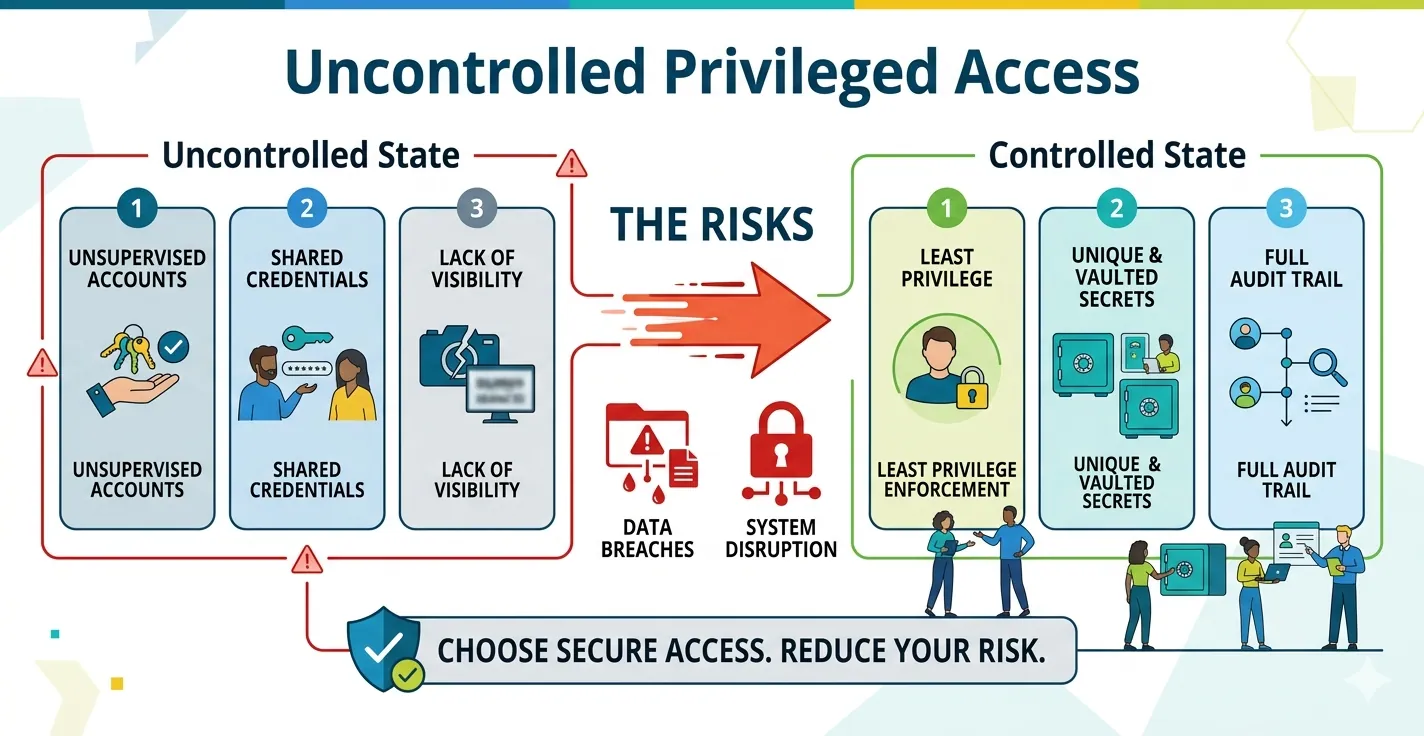
- A permanent admin account is a permanent target. Phished once, it is useful for months.
- Shared and service credentials have no owner, so nobody notices when they are used from the wrong place.
- Standing access is invisible to audit: you can show who has access, not who needed it.
Days 1 to 30: see everything that holds power
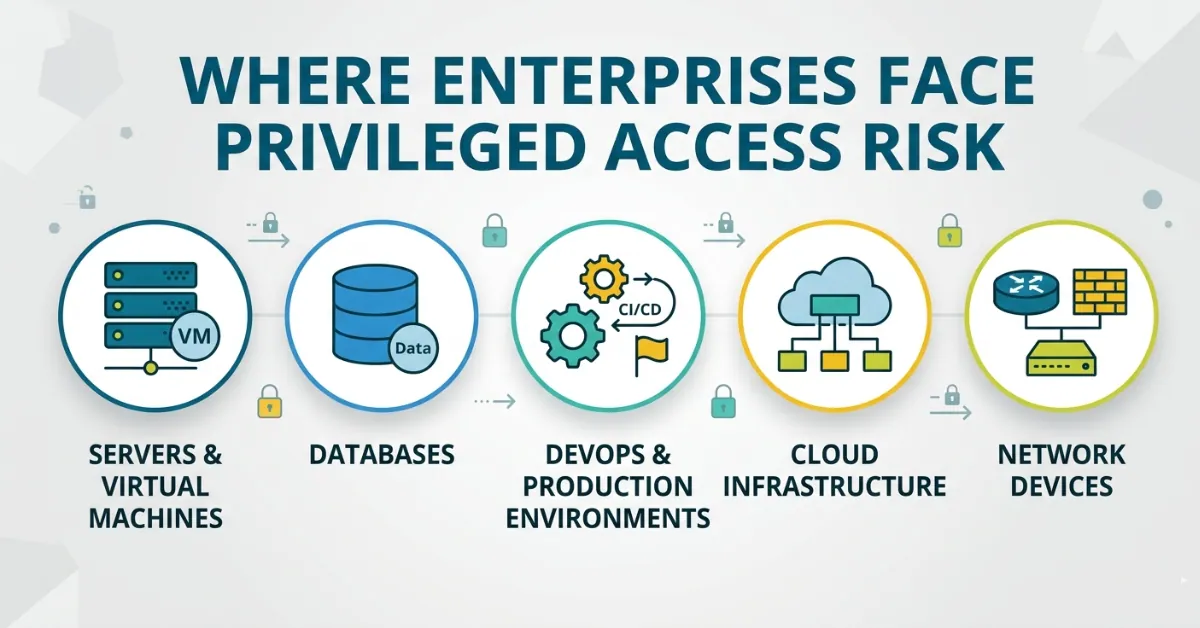
- Inventory human privilege. List every account in admin groups across Active Directory, Linux sudoers, database roles and cloud IAM.
- Inventory machine privilege. Service accounts, API keys, SSH keys, tokens and certificates. This list is usually longer than the human one, and it is where the surprises are. Look for keys that have never been used, keys with no owner, and credentials that have not changed in years.
- Rank by blast radius. Domain admins, production databases, cloud root and anything that can reach backups come first.
Exit criterion: a ranked list with an owner next to every item.
Days 31 to 60: replace standing access with requested access
- Pick one high-value path first, such as vendor access or production database changes. Prove the pattern on something visible.
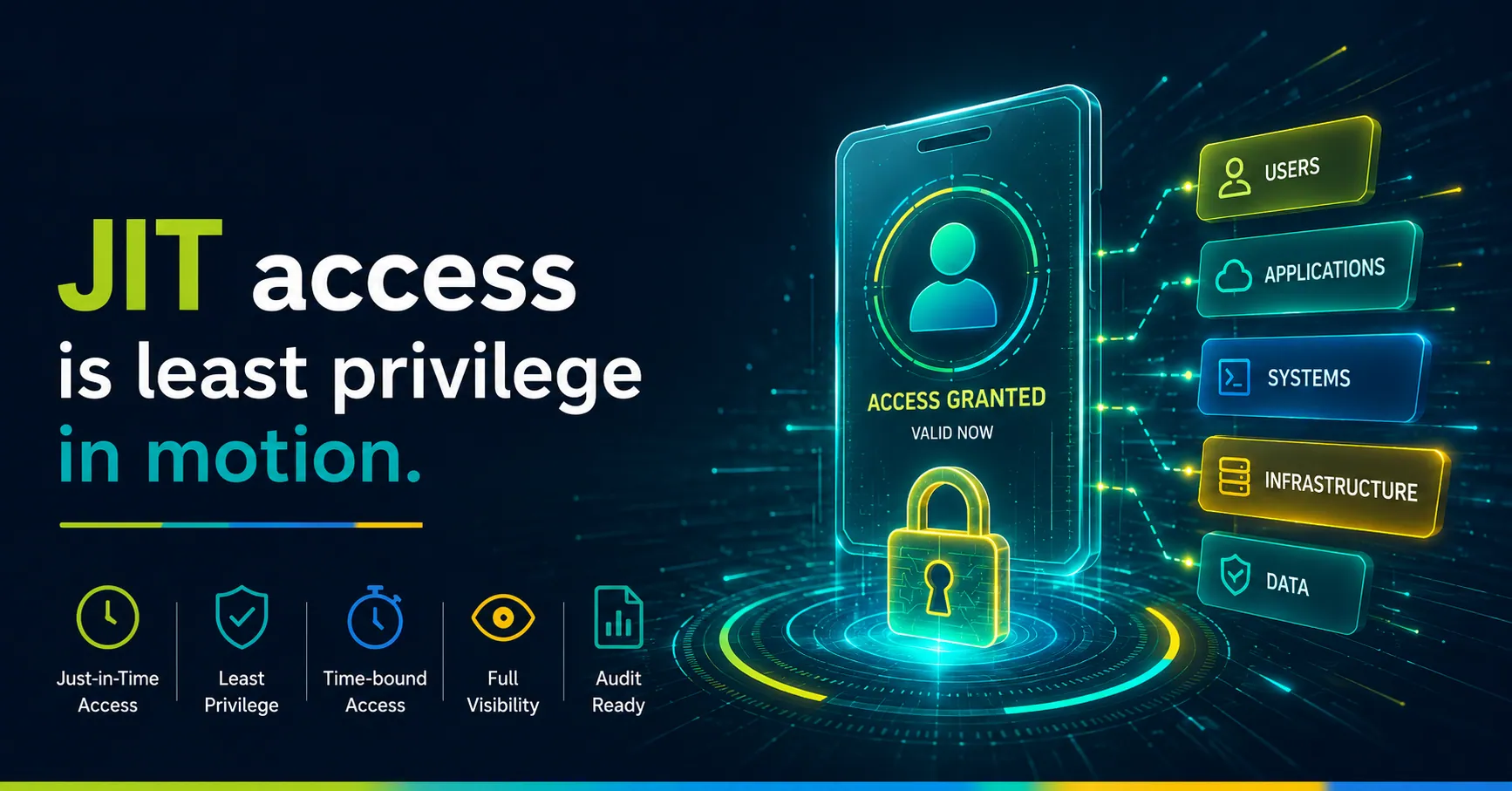
- Move to just-in-time grants. The user states the task, an approver authorises it, access is created for a fixed window and removed automatically.
- Use ephemeral accounts where the target allows it. The account is created for the grant and deleted when it ends, so there is nothing left to steal afterwards.
- Hold the session to the task. Approving a person is not the same as approving a purpose. Enforce the approved scope while the session runs, and block what falls outside it, rather than reviewing a recording next week.
- Broker, do not hand out, credentials. The user connects through a gateway and the credential is injected at connect time, so it is never seen, copied or cached.
Exit criterion: the first path has no standing members and every access has a stated reason.
Days 61 to 90: close the machine gap and prove it
- Rotate machine credentials on a schedule, with a grace window so applications pick up the new value before the old one is retired, and a rollback if something fails.
- Prefer short-lived tokens (for example GitHub App installation tokens instead of long-lived personal access tokens) wherever the provider supports them.
- Retire what nobody owns. Anything unused for 90 days with no owner is a candidate for removal.
- Generate evidence continuously, not before the audit: who requested, who approved, what was permitted, what happened, and when access ended. Signed, hash-chained records can be checked by an auditor without trusting the console.
Exit criterion: a report showing standing administrators trending to zero, and an evidence pack an assessor can verify offline.
Pitfalls to plan for
| Pitfall | What to do |
|---|---|
| Break-glass access is forgotten | Keep an emergency path, but make it loud: heavier logging, immediate review |
| Approvers become a bottleneck | Pre-approve low-risk, recurring tasks; keep manual approval for the dangerous ones |
| Automation breaks on rotation | Deliver new secrets to applications through an SDK or CLI and keep the previous value during the grace window |
| Teams route around the control | Make the approved path faster than the workaround |
How ZenXPAM supports this
ZenXPAM combines just-in-time and emergency access, ephemeral identities, approver-reviewed command scopes enforced during the session, browser-delivered access with credential injection, machine-credential inventory and safe rotation, and signed evidence packs, on one platform that runs in your own environment. See the platform or book a demo.
FAQ
What is the difference between least privilege and zero standing privilege? Least privilege limits how much access an account has. Zero standing privilege also limits when: the access exists only for the duration of an approved task.
Does zero standing privilege slow engineers down? Not when the approved path is quicker than the workaround. Pre-approved, time-boxed requests usually grant access in minutes.
How do you handle service accounts? They cannot request access, so they are governed by ownership, rotation and short-lived credentials instead.
How do you prove it to an auditor? With evidence that records the request, approval, scope, activity and expiry for every grant, signed so it can be verified independently.